
Why per-person limits matter on usage-based AI
On a per-seat plan, nobody can overspend: the bill is the number of seats, whatever people do. The risk runs the other way. You pay in full for people who barely use it. Usage-based AI fixes that, but it brings the opposite worry. One person pasting long documents into the most expensive model every day can spend more than the rest of the team combined.
A monthly limit per person is how you get the savings of paying for use without that worry. It turns "what will this cost?" into a number you choose in advance.
Where per-person limits are available
- ChatGPT Business charges a fixed price per seat, and each seat includes a set amount of usage. Usage beyond that draws on a pooled balance of workspace credits that you buy separately. Owners can set monthly credit limits by seat type or for a specific person, but no limit is set by default, so it is worth adding one before you buy credits.
- Claude Team and the office-suite assistants are also priced per seat, with usage limits that cap how much a person can do rather than what the business spends.
- API gateways and platforms such as OpenRouter, or the OpenAI, Anthropic and Google API consoles, let you set budgets on members, projects or keys. OpenRouter's member budgets reset daily, weekly or monthly and reject requests once they are spent. These suit teams with someone technical, because the people using them need a chat app on top.
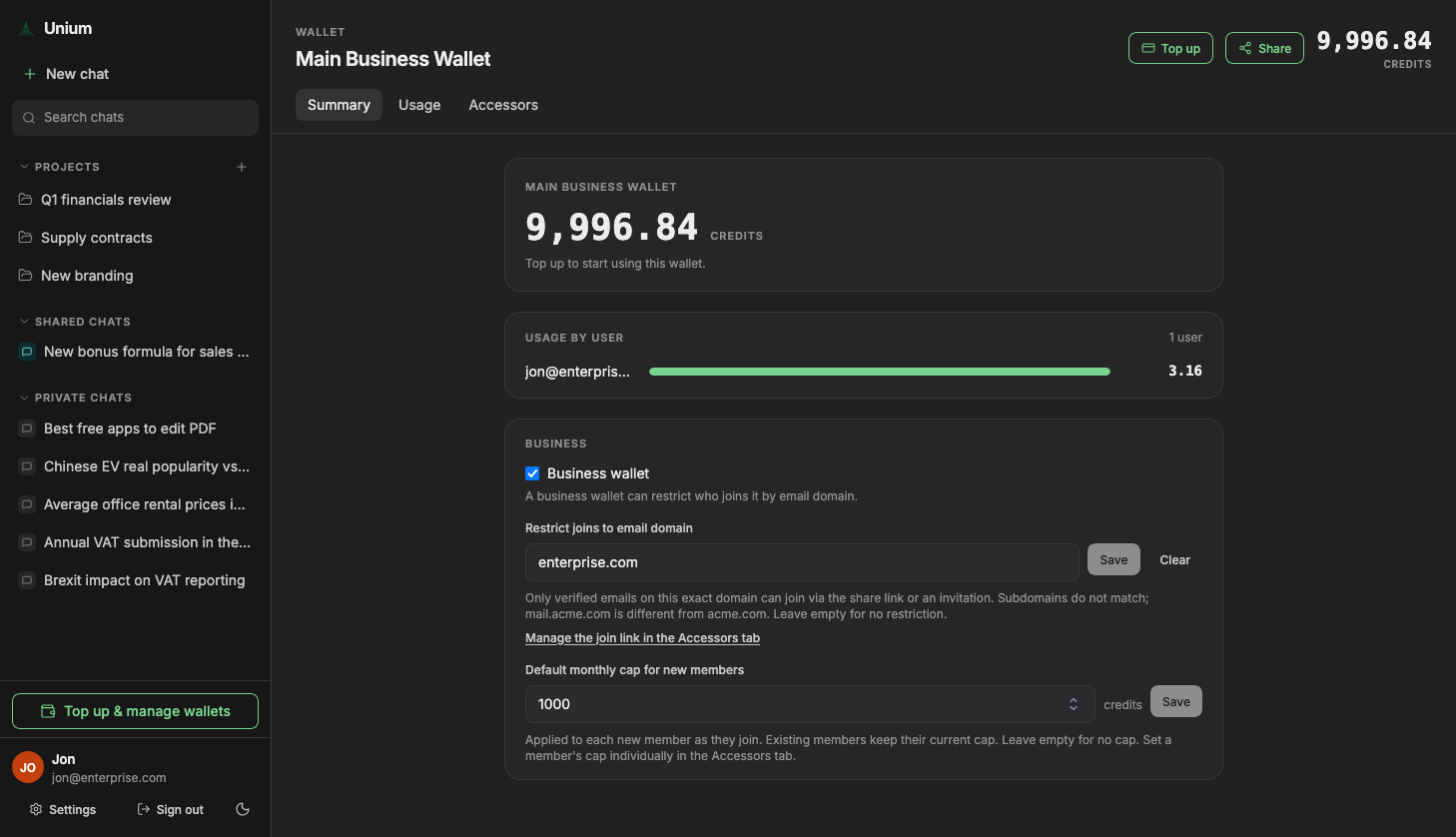
- A shared wallet such as Drephos has per-member caps built in. The owner sets a monthly cap for each person, and a default cap that every new member starts on.
How caps work in Drephos
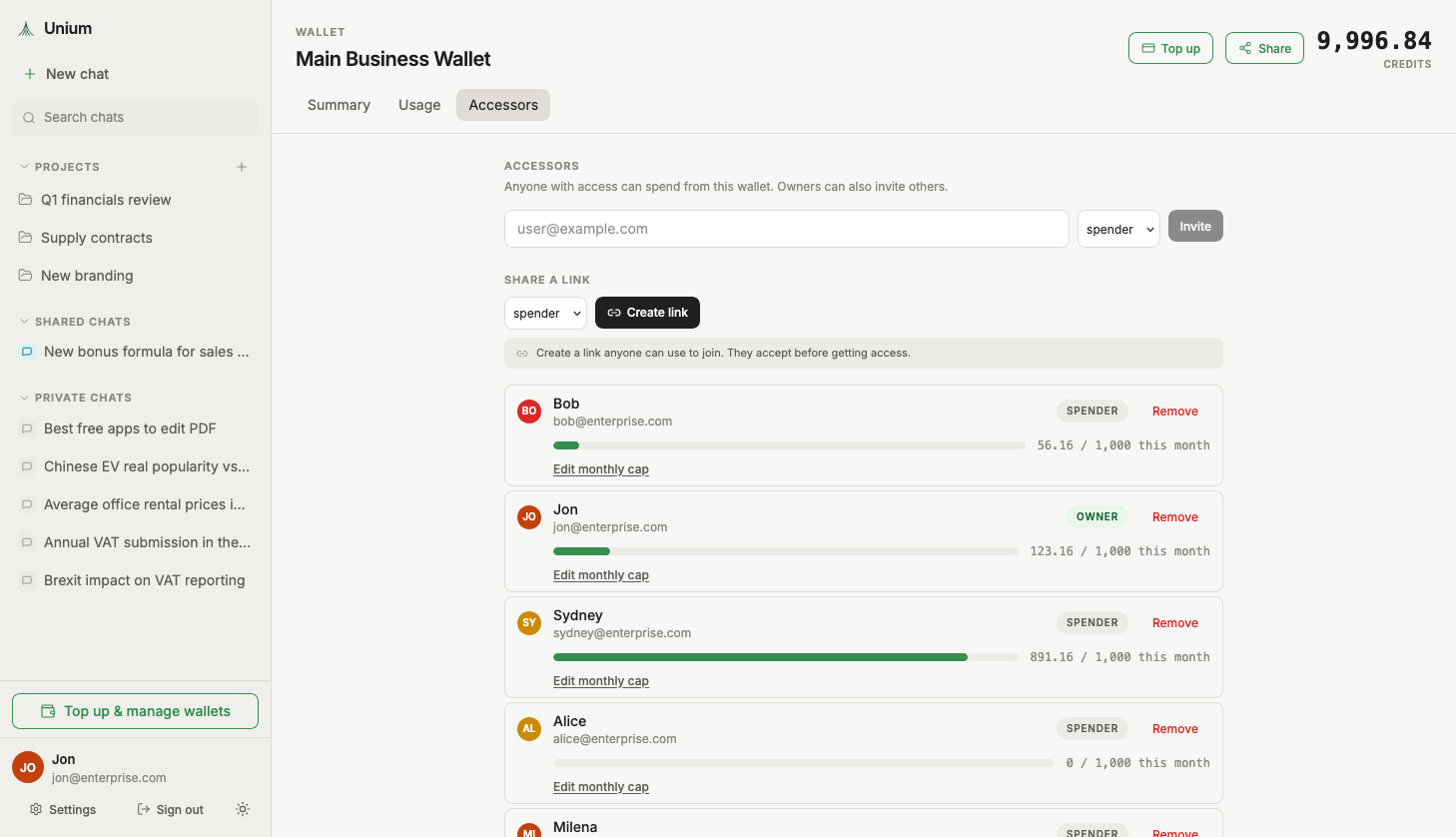
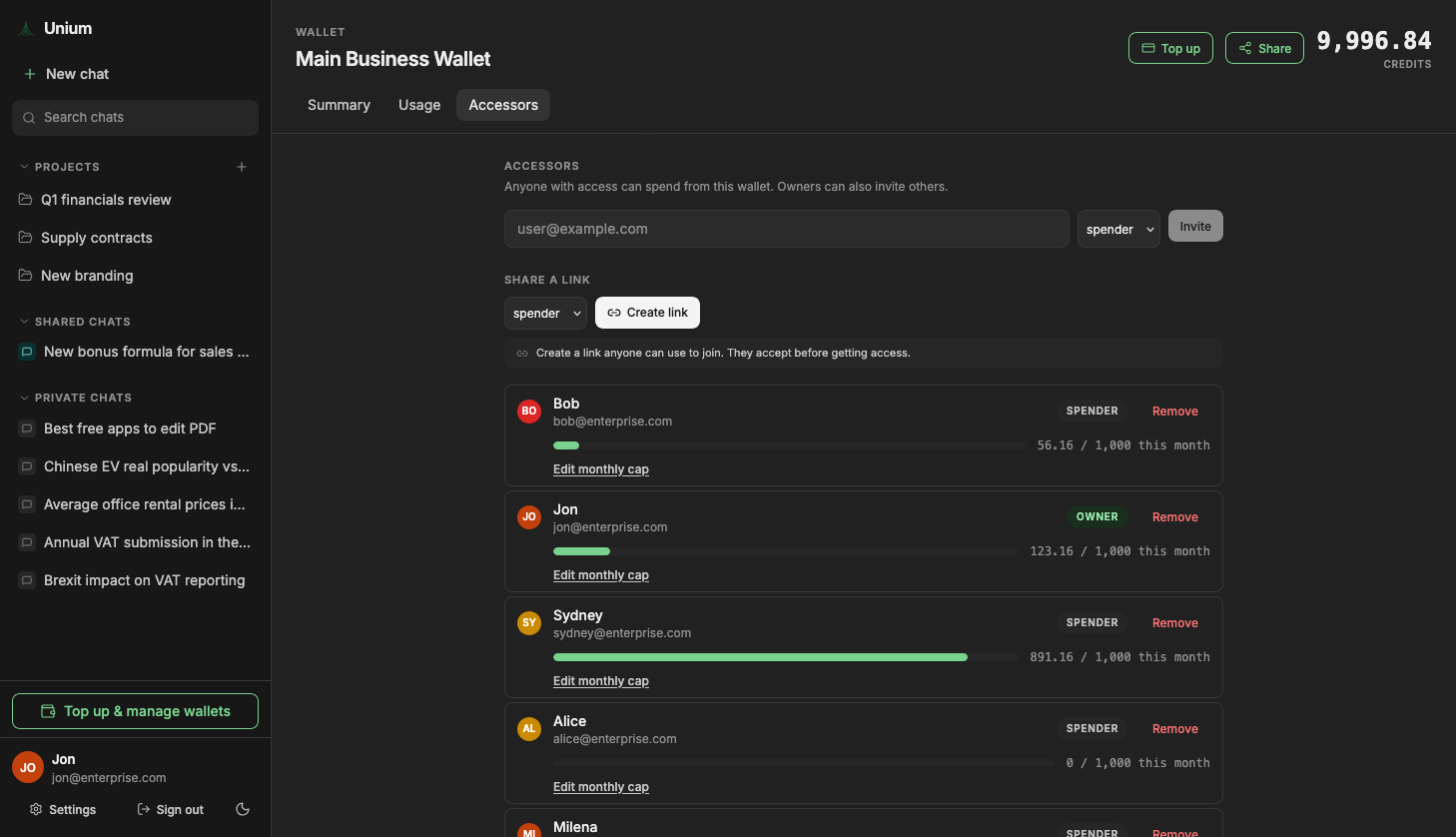
The team shares one prepaid wallet. Each member has a monthly cap. When someone reaches it, their paid messages pause until the next month, or until an owner raises the cap. Free models keep working, and nobody else on the team is affected.
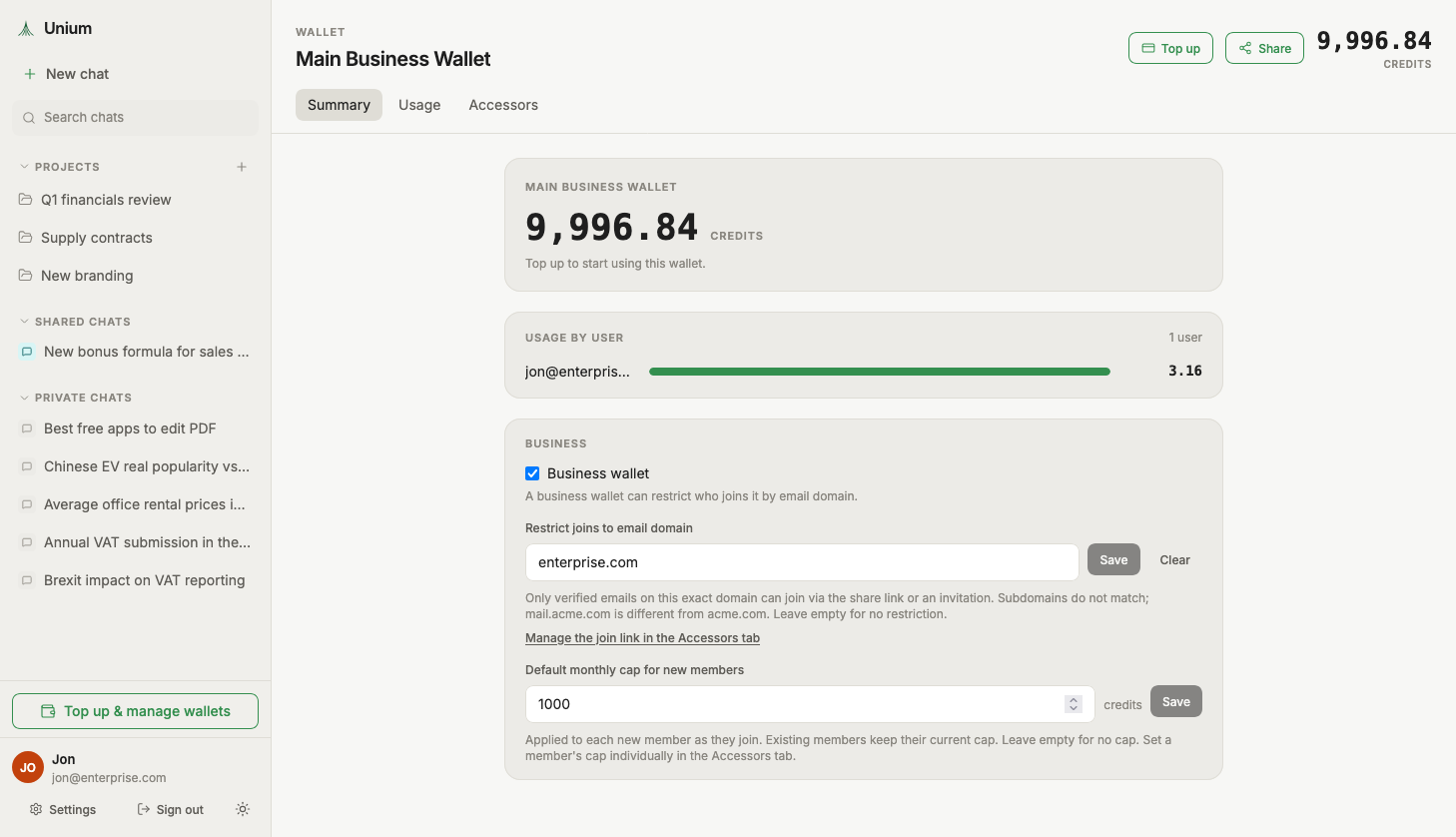
A per-member usage view shows what each person has spent against their cap this month, so you can see who needs more headroom and who has not used it at all.
Choosing a starting cap
A premium-model message costs about 8 cents in Drephos on average, including typical web search use. Shorter questions cost less, and long documents or image generation cost more. That gives a quick rule of thumb:
| Monthly cap | Roughly this many premium messages | Fits |
|---|---|---|
| $2 | 25 | Someone who tries it now and then |
| $5 | 60 | Light weekly use |
| $10 | 120 | A few questions most working days |
| $25 | 300 | Daily use as part of the job |
Free and cheaper models stretch a cap much further. A sensible way to start:
- Set a modest default cap, such as $5, so a new joiner cannot surprise you.
- Raise the cap for the two or three people you already know rely on AI.
- After the first month, look at the usage view and adjust. People who hit their cap early are the ones to raise; people who spent nothing may not need access at all.
The total of everyone's caps is your worst-case month. In practice most people stay well under, which is where usage-based billing saves money against a seat per person.
Keeping the whole team in bounds
Caps limit each person. The wallet balance limits the team. Because the wallet is prepaid, the team can never spend more than you have topped up. Packs run from $10 to $50, credits stay valid for a year, and every top-up refreshes the validity of the whole balance. Restricting the join link to your company email domain stops people outside the business from joining at all.
If you want to see what a year would cost before setting anything up, the cost calculator estimates it from team size and usage. The pay-as-you-go guide covers the rest of how the wallet works.